Documentation Index
Fetch the complete documentation index at: https://docs.beam.cloud/llms.txt
Use this file to discover all available pages before exploring further.
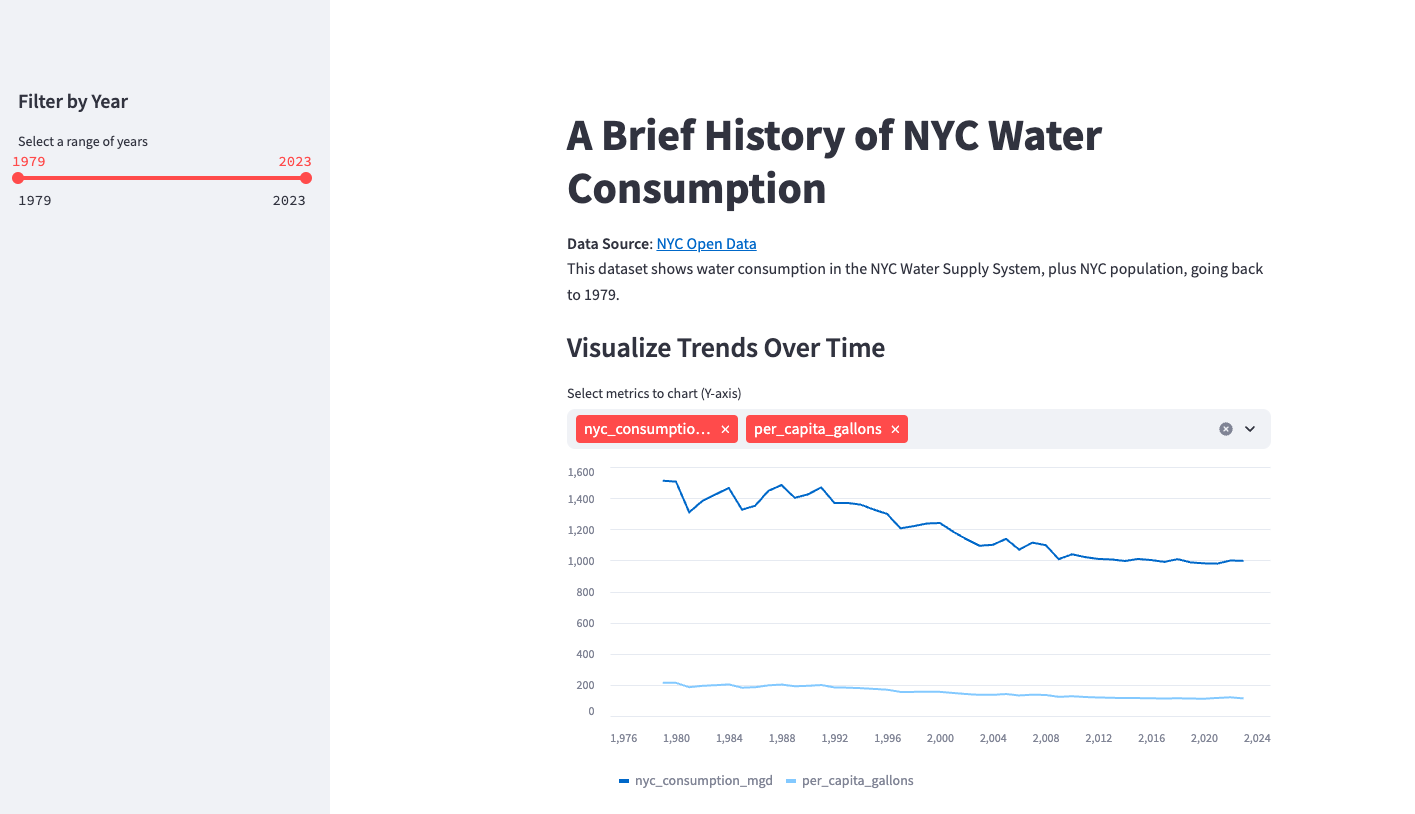
You can easily deploy Streamlit apps on Beam. In this guide, we’ll show you how to deploy a simple Streamlit app that visualizes a simple dataset.
View the Code
See the code for this example on Github.
App Structure
There are two components to deploying a Streamlit app on Beam:
- An
start_server.py file with your Beam code. You can view the source code here.
- A
app.py file that hosts the Streamlit app
Here’s what the Beam-specific code looks like:
from beam import Image, Pod
streamlit_server = Pod(
image=Image().add_python_packages(["streamlit", "pandas", "altair", "requests"]),
ports=[8501], # Default port for streamlit
cpu=1,
memory=1024,
entrypoint=["streamlit", "run", "app.py"],
)
res = streamlit_server.create()
print("✨ Streamlit server hosted at:", res.url)
Deployment
To run the app, you can simply invoke the Python module directly:
Running this command will print the URL of the Streamlit app to the console.
=> Creating container
=> Container created successfully ===> pod-15fba0c6-3fe8-408e-a0f8-c99cf166dcc9-97b6207e
=> Invocation details
curl -X GET 'https://15fba0c6-3fe8-408e-a0f8-c99cf166dcc9-8888.app.beam.cloud' \
-H 'Connection: keep-alive' \
-H 'Content-Type: application/json' \
-d '{}'
You can enter the URL in your browser to view the Streamlit app!