> ## Documentation Index
> Fetch the complete documentation index at: https://docs.beam.cloud/llms.txt
> Use this file to discover all available pages before exploring further.
# Task Callbacks
> Setup a callback to your server when a task finishes running
If you supply a `callback_url` argument to your function decorator, Beam will make a POST request to your server whenever a task finishes running. *Callbacks fire for both successful and failed tasks.*
Callbacks include the Beam Task ID in the request headers, and the task response URL-encoded in the request body.
For testing purposes, you can setup a temporary webhook URL using
[https://webhook.site](https://webhook.site)
## Registering a callback URL
Callbacks can be added onto endpoints, functions, and task queues:
```python theme={null}
from beam import function
@function(callback_url="https://your-server.io")
def handler(x):
return {"result": x}
if __name__ == "__main__":
handler.remote(x=10)
```
## Callback format
### Data Payload
The callback will send the response from your function as JSON, in the `data` field:
```
{
"data": {
"result": 10
}
}
```
## Request headers
The request headers include the following fields:
* `x-task-timestamp` -- timestamp the task was created.
* `x-task-signature` -- signature to verify that the request was sent from Beam.
* `x-task-status` -- status of the task.
* `x-task-id` -- the task ID.
## Verifying Requests
### Timestamp Verification
To secure your server against replay attacks, a **timestamp** and **signature** are included in the callback request headers.
As a best-practice, it is wise to check the timestamp header of each callback request. If the timestamp is over 5s old, there is a risk that the callback was not fired from Beam.
### Signature Verification
The most secure way of verifying a callback request is through **signature verification**.
The callback request will include a header field called `x-task-signature`.
`x-task-signature` is a unique signature generated by converting the request body to base64, concatenating it with the timestamp, and signing it with your Beam **Signature Token**.
The code below shows how to validate a callback signature:
```python theme={null}
import base64
import hashlib
import hmac
def verify_signature(
request_body: bytes, secret_key: str, timestamp: int, signature: str
):
# Encode request body to Base64
base64_payload = base64.b64encode(request_body).decode()
# Create data to sign by concatenating base64 payload with timestamp
data_to_sign = f"{base64_payload}:{timestamp}"
# Initialize HMAC with SHA256 and secret key
h = hmac.new(secret_key.encode(), data_to_sign.encode(), hashlib.sha256)
# Compute the HMAC signature
computed_signature = h.hexdigest()
assert signature == computed_signature
```
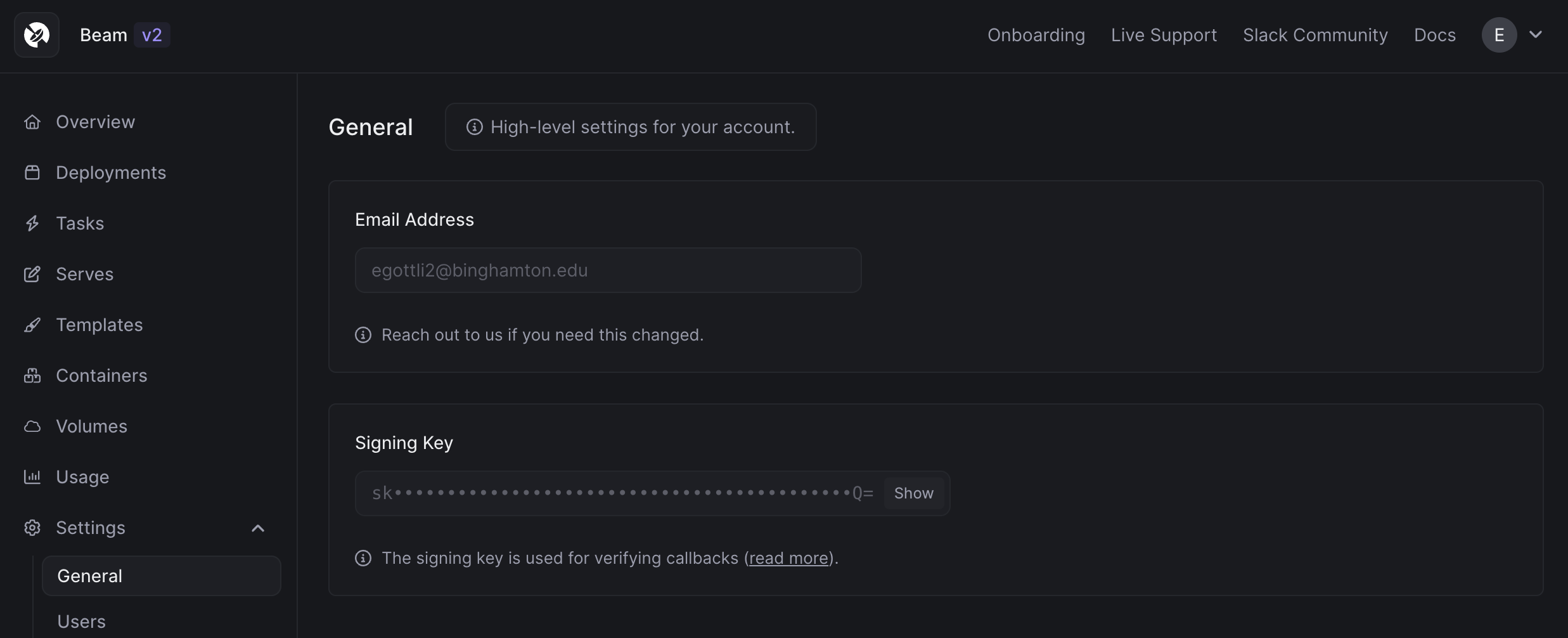
Your Signature Token can be found in the dashboard, on the `Settings` -> `General` page.
 This documentation is built and hosted on [Mintlify](https://mintlify.com), a developer documentation platform.