> ## Documentation Index
> Fetch the complete documentation index at: https://docs.beam.cloud/llms.txt
> Use this file to discover all available pages before exploring further.
# Ephemeral Files and Images
> Storing ephemeral files for images, audio files, and more.
You may want to save data produced by your tasks. Beam provides an abstraction called `Output`, which allows you to save files or directories and generate public URLs to access them.
## Saving Files
To save an `Output`, you can write any filetype to Beam's `/tmp` directory.
Here's what your code might look like:
```python theme={null}
from beam import function, Output
@function()
def save_output():
# File is saved to /tmp directory
file_name = "/tmp/my_output.txt"
# Write to new text file
with open(file_name, "w") as f:
f.write("This is an output, a glorious text file.")
# Save output
output_file = Output(path=file_name)
output_file.save()
# Generate and return a public URL
public_url = output_file.public_url(expires=400)
return {"output_url": public_url}
```
### Directories
You can also create public URLs for directories, by passing in a directory path:
```python theme={null}
# Generate a public URL for a directory
file_path = "./tmp/waveforms"
output = Output(path=file_path)
output.save()
# Returns https://app.beam.cloud/output/id/abe0c95a-2cd1-40b3-bace-9225f2c79c6d
output_url = output.public_url()
```
### PIL Images
If your app uses PIL, `Output` includes a wrapper around PIL to simplify the process of generating a public URL for the PIL image file:
```python theme={null}
# Save a PIL image
image = pipe(...)
# Persist the PIL image to an Output
output = Output.from_pil_image(image).save()
```
Here's a full example:
```python theme={null}
from beam import Image as BeamImage, Output, function
@function(
image=BeamImage(
python_packages=[
"pillow",
],
),
)
def save_image():
from PIL import Image as PILImage
# Generate PIL image
pil_image = PILImage.new(
"RGB", (100, 100), color="white"
) # Creating a 100x100 white image
# Save image file
output = Output.from_pil_image(pil_image)
output.save()
# Retrieve pre-signed URL for output file
url = output.public_url(expires=400)
print(url)
# Print other details about the output
print(f"Output ID: {output.id}")
print(f"Output Path: {output.path}")
print(f"Output Stats: {output.stat()}")
print(f"Output Exists: {output.exists()}")
return {"image": url}
if __name__ == "__main__":
save_image()
```
When you run this function, it will return a pre-signed URL to the image:
```bash theme={null}
https://app.beam.cloud/output/id/abe0c95a-2cd1-40b3-bace-9225f2c79c6d
```
## Generating Public URLs
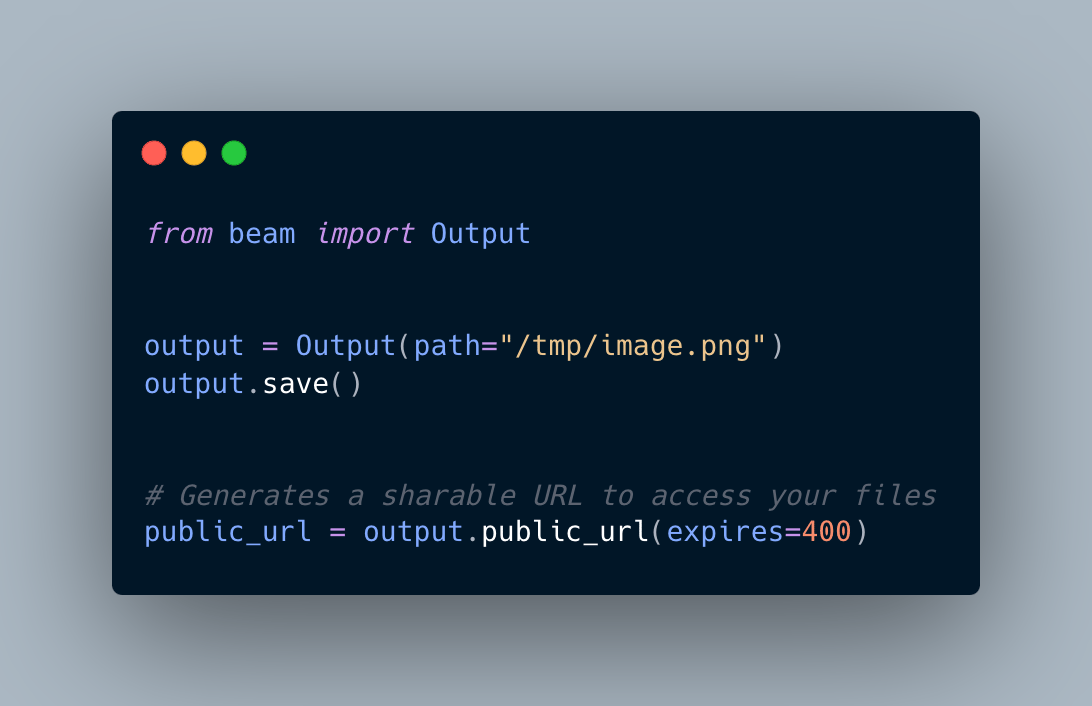
Your app might return files from the API, such as images or MP3s. You can use `Output` to generate a public URL to access the content.
 ### Expiring Public URLs
You can pass an optional `expires` parameter to `output.public_url` to control how long to persist the file before it is deleted.
By default, public URLs are automatically deleted after 1 hour.
```python theme={null}
# Delete public URL after 5 minutes
output.public_url(expires=300)
```
### Expiring Public URLs
You can pass an optional `expires` parameter to `output.public_url` to control how long to persist the file before it is deleted.
By default, public URLs are automatically deleted after 1 hour.
```python theme={null}
# Delete public URL after 5 minutes
output.public_url(expires=300)
```